Centralized Trading Workspace
Brings market quotes, chart windows, order management, account equity, and trade history together—reducing the time spent switching between multiple tools.
MetaTrader 5
Download and learn about the MetaTrader 5 (MT5) trading terminal with desktop, mobile, and web access—for quote monitoring, professional chart analysis, order management, and EA algorithmic trading across forex, stocks, futures, indices, precious metals, and more. Choose desktop, mobile, or web based on your device and workflow.
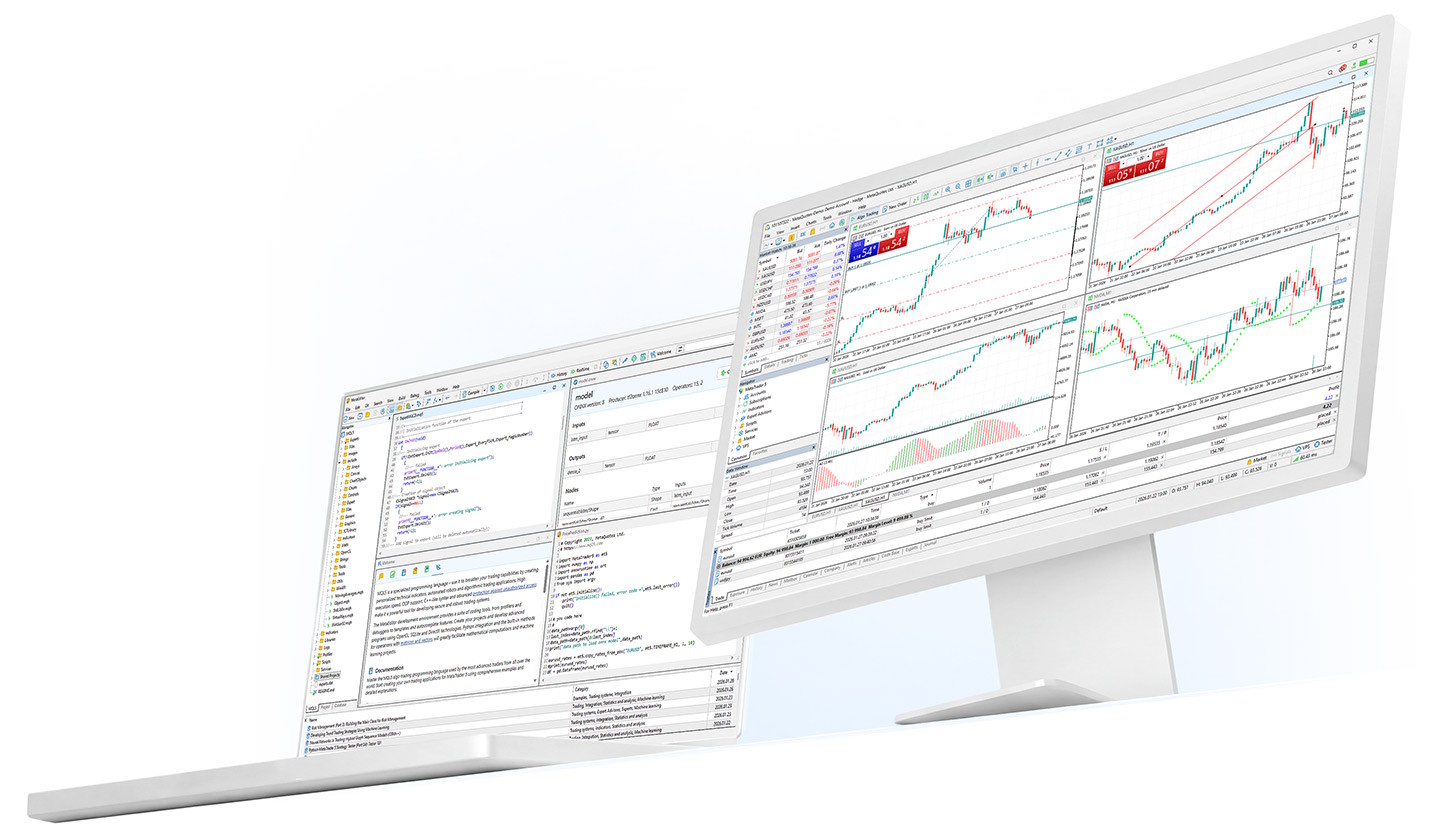
Flexible Multi-Device Access
Use desktop, mobile, and web versions to switch between the office, home, or on the go.
Professional Chart Analysis
Multi-timeframe charts, technical indicators, and drawing tools for trend observation, price zones, and trade planning.
Order & Account Management
Submit orders, view positions, manage account information, and track trade status; available features depend on your broker's configuration.
MetaTrader 5 is more than a tool for logging into an account after download—it works as a complete trading workspace. In one interface you can view quotes, analyze charts, manage orders, track account changes, and use indicators, scripts, and EA algorithmic trading when needed.
Brings market quotes, chart windows, order management, account equity, and trade history together—reducing the time spent switching between multiple tools.
Load technical indicators, scripts, and Expert Advisors (EAs)—suitable for moving from basic quote viewing to strategy research and automated execution.
Log in to live or demo accounts using servers, account numbers, and passwords from your broker. Instruments, spreads, commissions, and execution rules are subject to broker disclosures.
MetaTrader 5 is built around market analysis, order and account management, and extensibility—across desktop, mobile, and web environments.
The following scenarios describe common ways to use MetaTrader 5 and help you decide whether it fits your trading habits. This is not investment advice or a promise of returns.

MetaTrader 5 is developed by MetaQuotes Ltd. Choose the desktop, mobile, or web version for your device, then log in through your broker's server after installation.
Available versions, updates, and system requirements may change across platforms—refer to official MetaTrader 5 release information and app store listings.
If your broker provides a custom installer, dedicated server, or proprietary access method, refer to their website or customer support first.
Ideal for desktop users who need full chart analysis, multi-window layouts, EA strategy testing, and account management. Confirm OS version and software requirements before installing.
Download Desktop MT5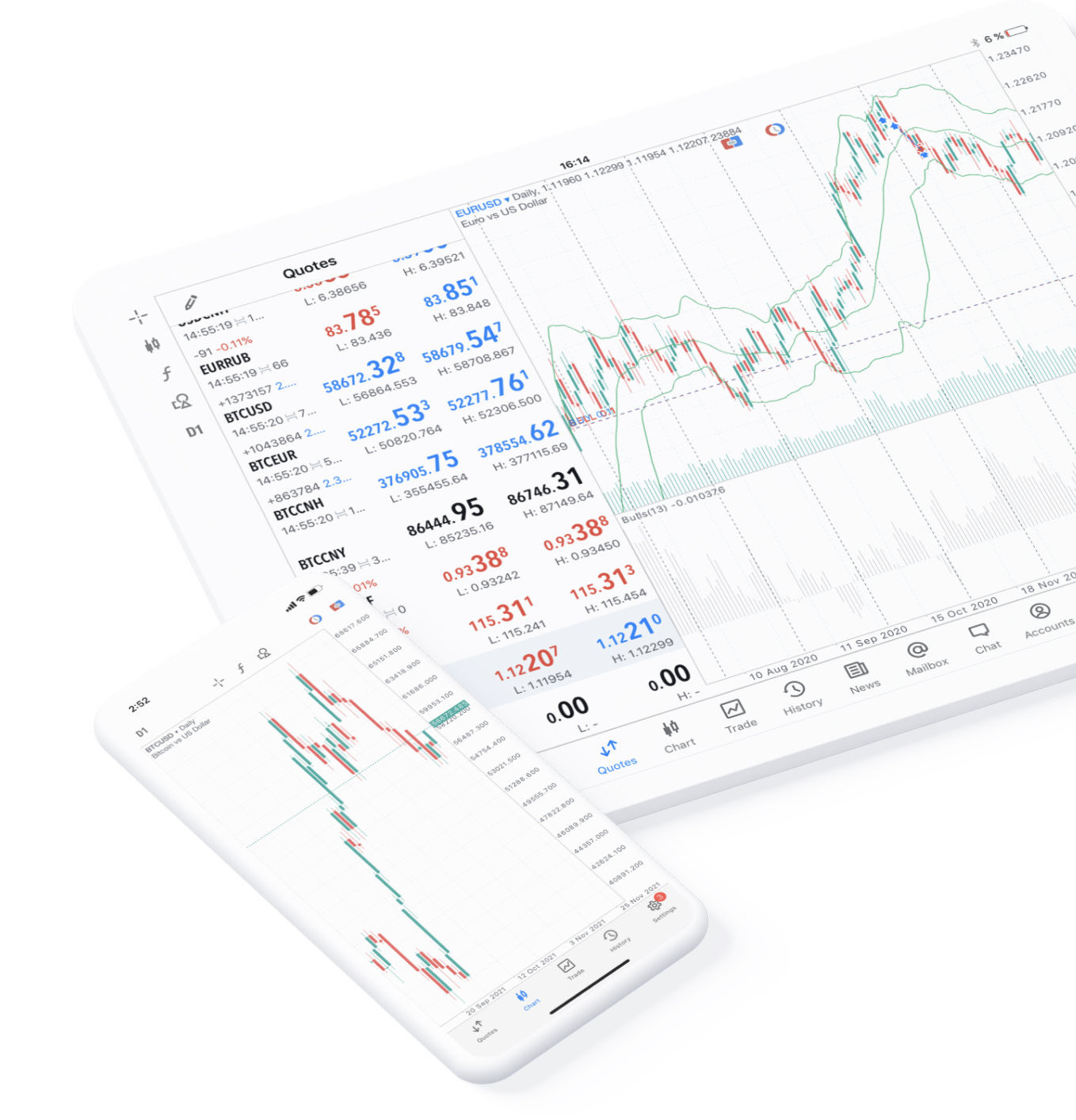
Ideal for iPhone and iPad users who want mobile quote monitoring, account updates, order management, and price alerts.
Download on App Store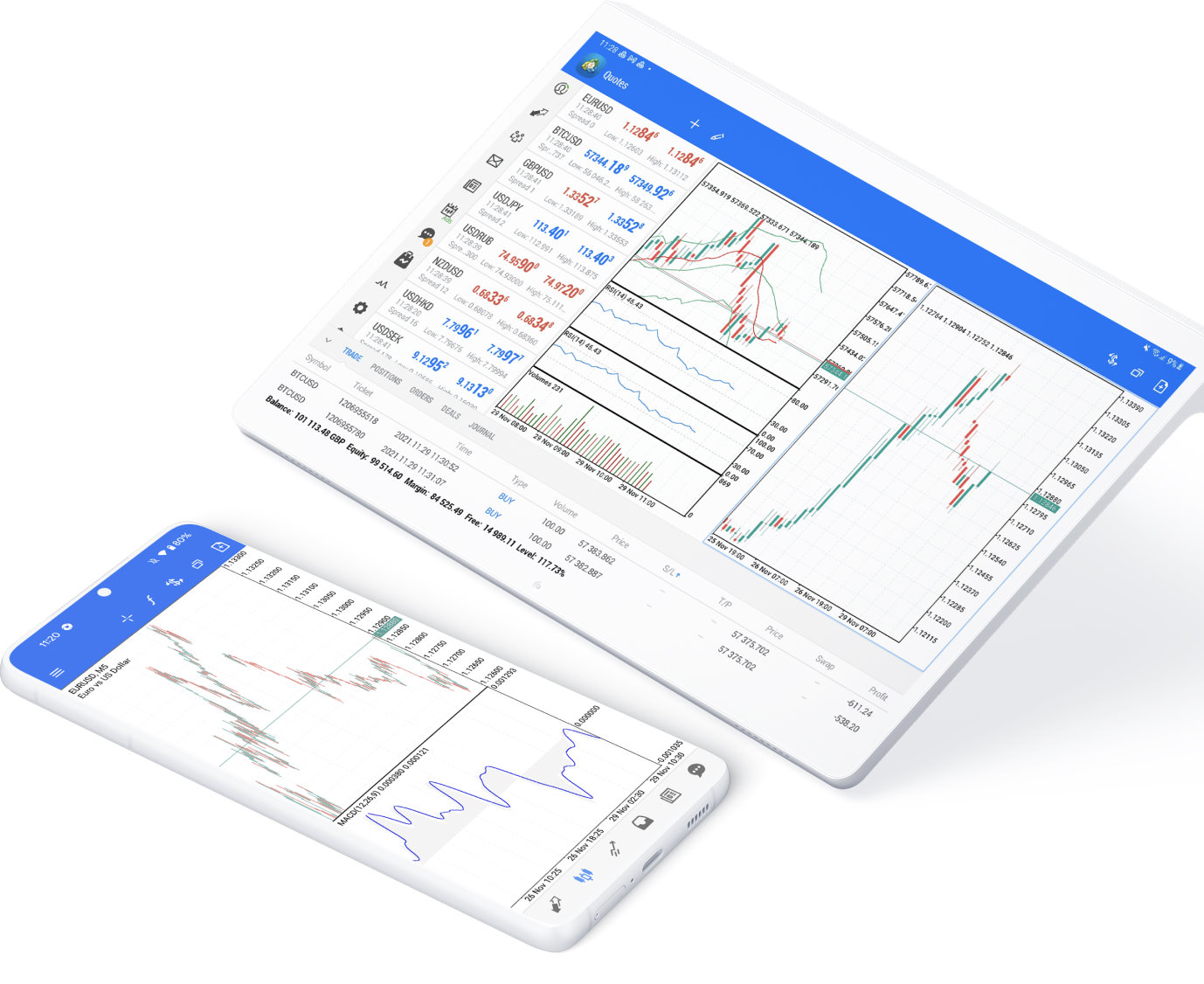
Ideal for Android users who want to check quotes, track positions, manage orders, and monitor account status on the go.
Download on Google Play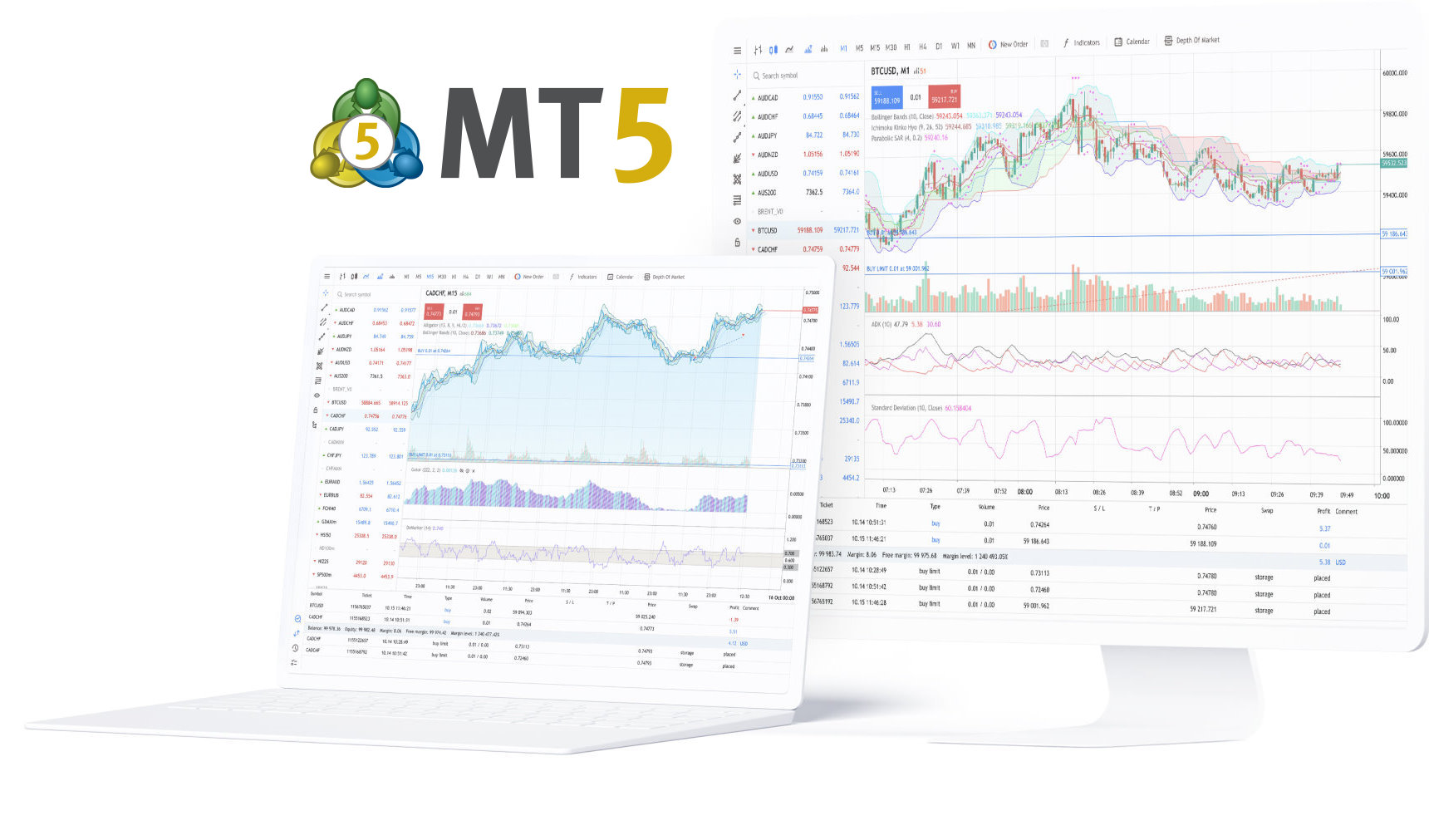
Ideal for temporary access or when installing a client is not practical. Open the terminal in a supported browser; available features depend on what the web version actually provides.
Open MT5 Web TerminalSecurity note: Before downloading or opening external links, verify the domain, publisher, and app store information to avoid installers from unverified third-party sources.
After installation, start with a demo account to learn the interface, order types, chart tools, and basic risk management workflows before using a live account if appropriate.
Select the Windows, macOS, iOS, Android, or Web version for your device and complete installation following the page or app store prompts.
Log in using the server name, account number, and password from your broker. On first use, confirm the server, account type, and available instruments.
After logging in, verify connection status, quote updates, and account details, then add favorite instruments, set chart timeframes, indicators, and price alerts.
MetaTrader 5 extends the terminal architecture, order system, analytics tools, market depth, and multi-market support. The right choice depends on your broker's support and your personal requirements.
The MetaTrader 5 terminal software is typically available for free download and installation. Spreads, commissions, swap fees, and other trading costs are determined by your broker's disclosures.
Verify your account number, password, server name, and network connection. If login still fails, contact your broker's customer support to confirm your account status and server details.
Yes. MetaTrader 5 provides scripts, technical indicators, and Expert Advisors (EAs) for strategy development, testing, and execution.
Yes. MetaTrader 5 offers iPhone, iPad, and Android versions for quote monitoring, order management, and account oversight on mobile devices.
MetaTrader 5 is trading terminal software. To trade live or on a demo account, you typically need to connect to a broker server that supports MetaTrader 5 and log in with the appropriate credentials.
No. MetaTrader 5 is a quote analysis and trade management tool—it does not guarantee returns. Financial markets involve volatility and risk. Make decisions based on your experience, capital, and risk tolerance.
The web version is suited for quick access and everyday use without installing a client; the desktop version generally offers a more complete set of terminal features and extensions.